Local OP Stack devnet
This guide will teach you how to spin up a complete local OP Stack rollup with Celestia DA for testing.
What pop-deployer does: It spins up a temporary Anvil instance, deploys all OP Stack contracts (SystemConfig, L1CrossDomainMessenger, OptimismPortal, etc.), captures the chain state to a snapshot, then packages everything into a tarball. When you run the bundle, Anvil loads the pre-deployed state instantly - no waiting for contract deployments.
Prerequisites
See overview of Popsigner and Popkins.
Option 1: In the UI
Log in to Popkins
Go to https://popkins.popsigner.com and login.
Set up the local chain
New chain
Click ”+ NEW CHAIN” in the top right of the Popkins UI.
Select “POPKINS BUNDLE” and click continue:
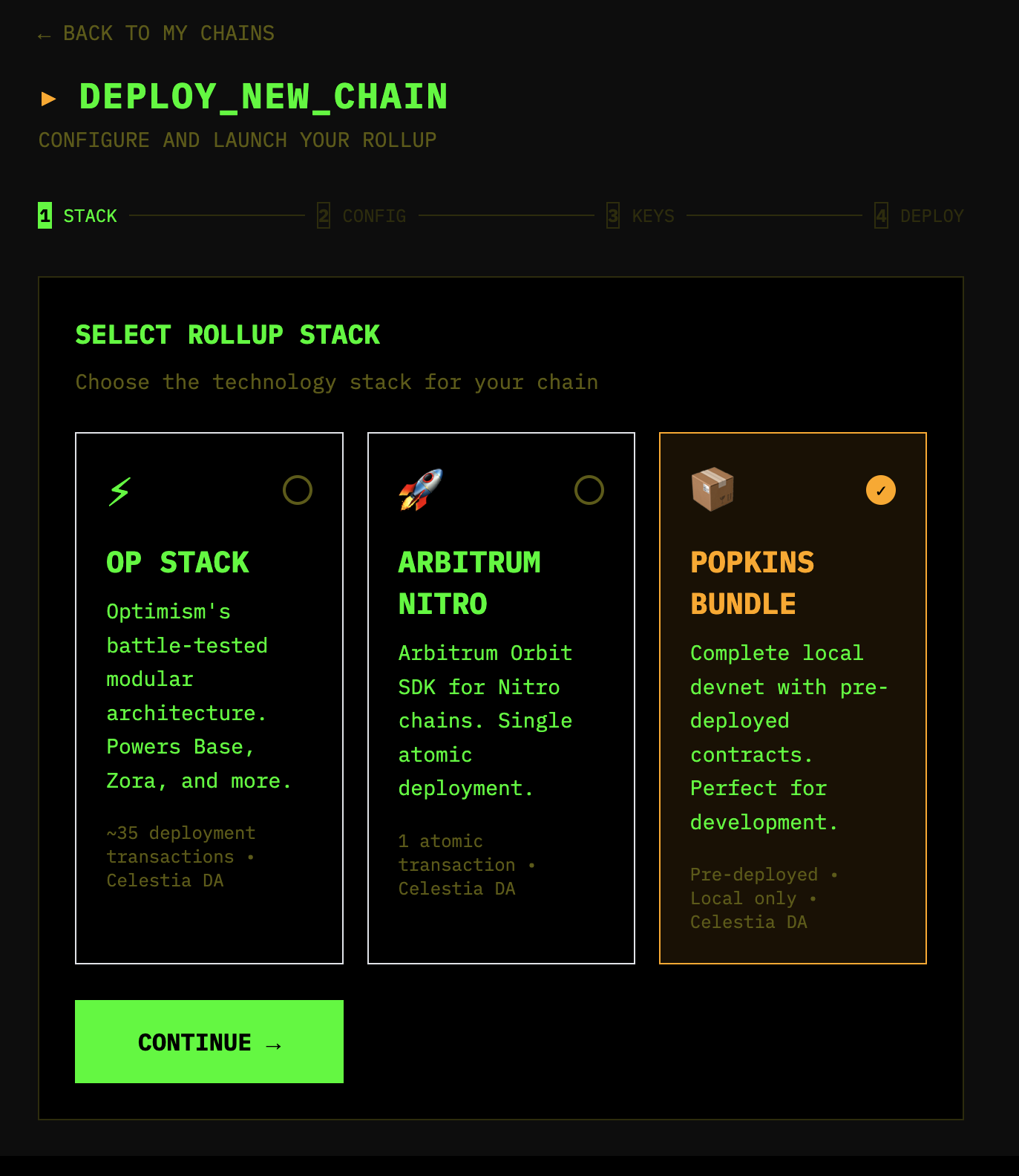
Pick stack
Then select “OP STACK”, put a chain name and chain ID into the fields, and click ”🚀 CREATE BUNDLE”.
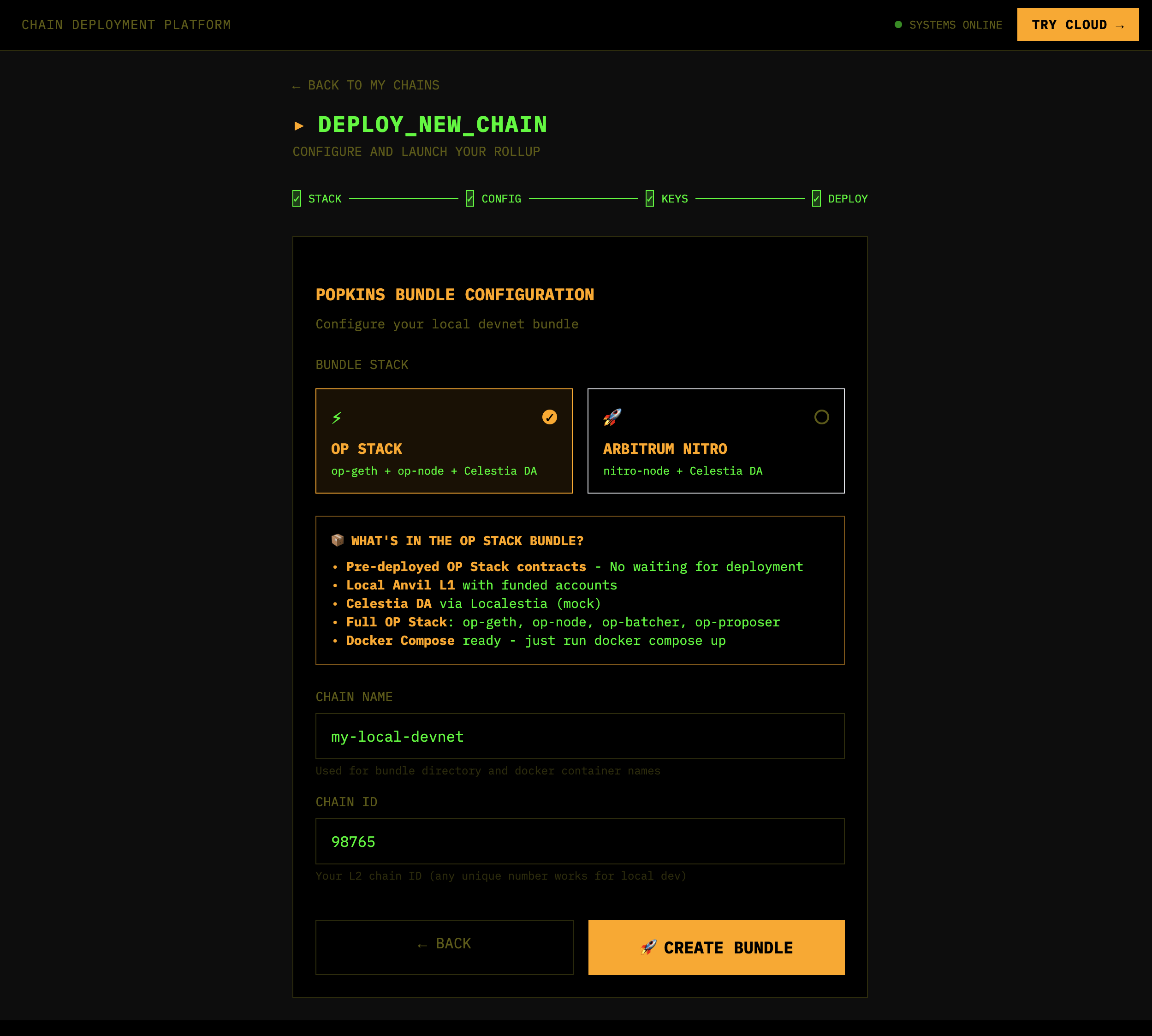
Wait for bundle generation
Wait for the bundle to be generated:
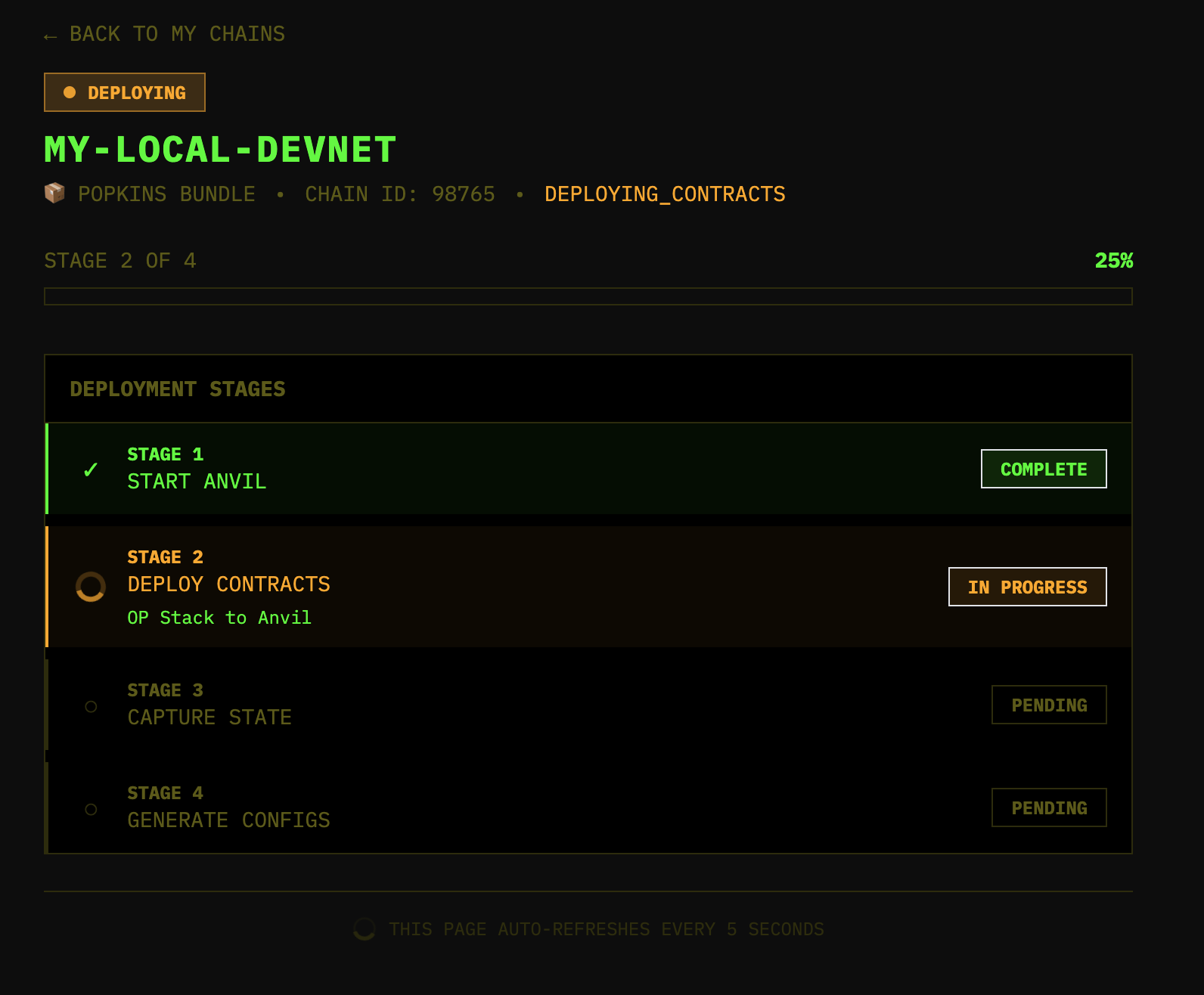
Review details
After it has generated, review the details:
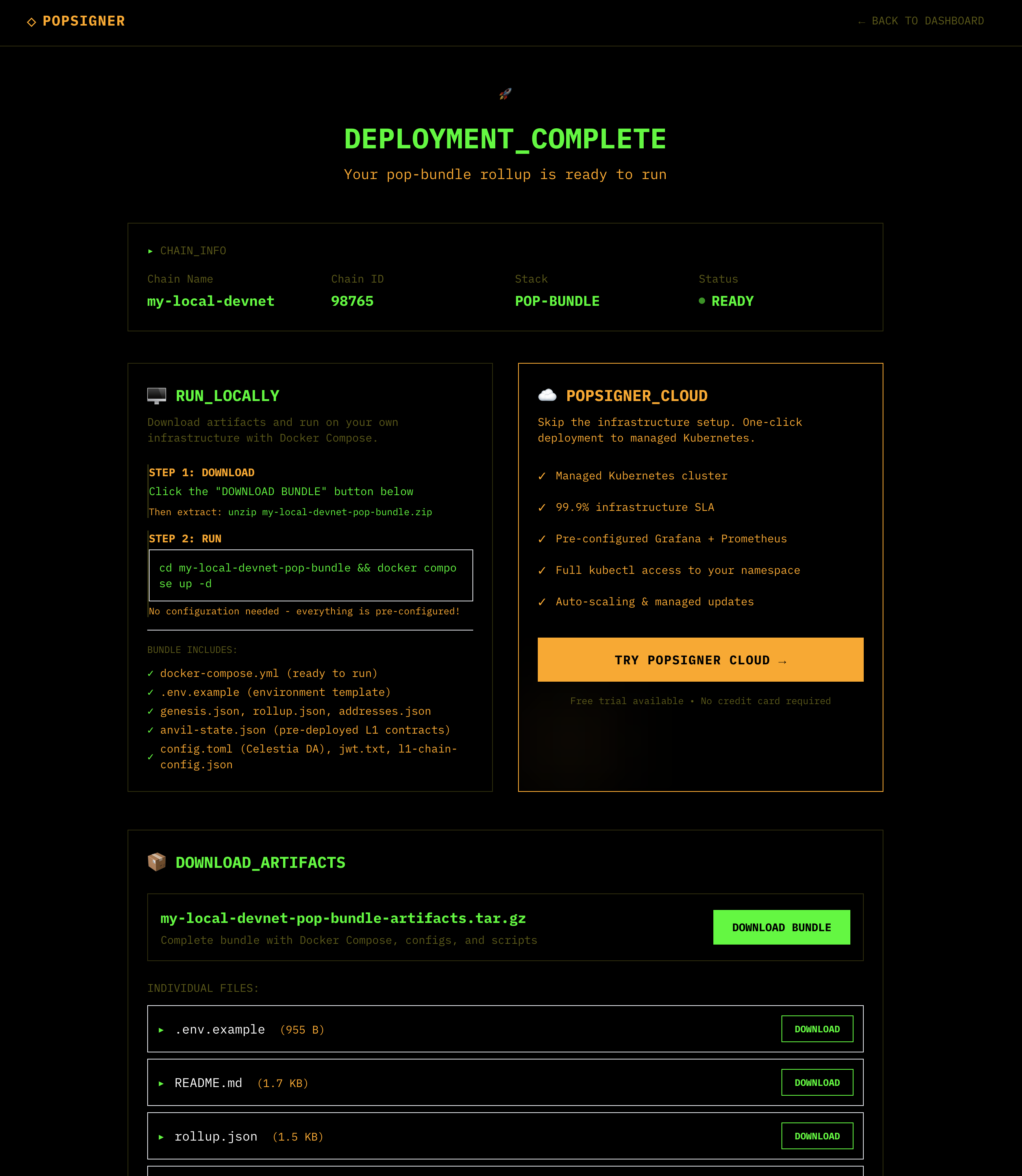
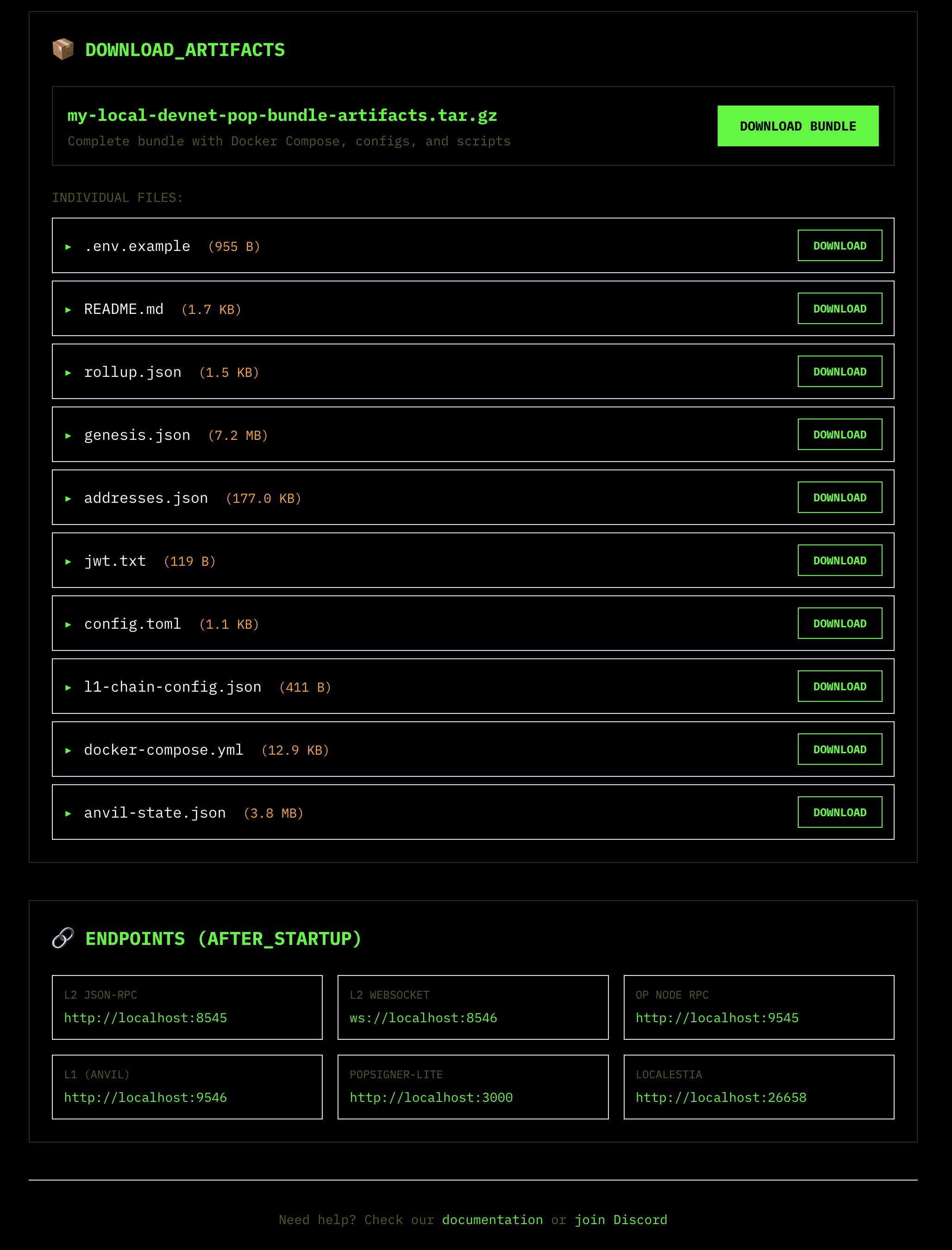
Download the bundle
Download the bundle by clicking the “DOWNLOAD BUNDLE” button.
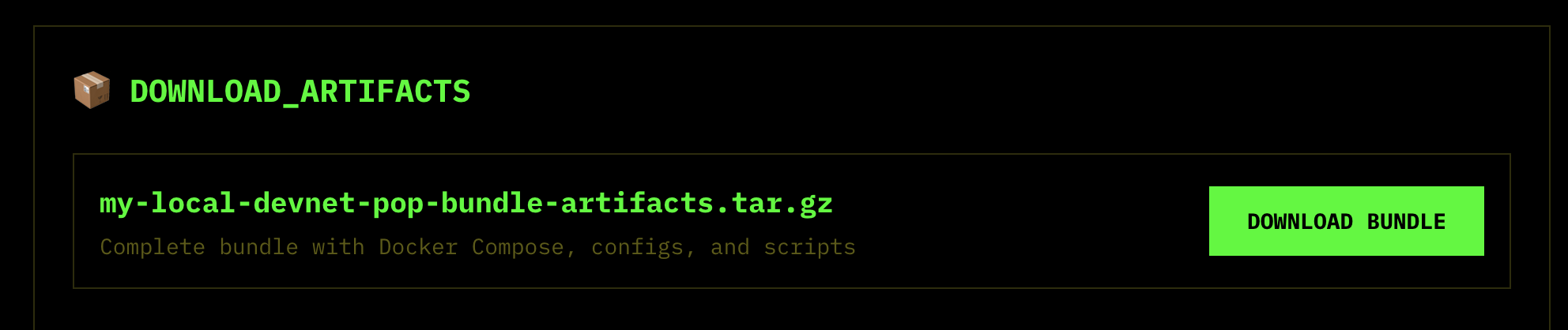
Extract the tarball
Extract the tarball by running the following command:
unzip my-local-devnet-pop-bundle-artifacts.tar.gz
cd my-local-devnet-pop-bundle-artifacts
Set up the .env:
cp .env.example .envRun the bundle
Run the bundle by running the following command:
docker compose up -dOption 2: In the terminal
Clone Popsigner
git clone https://github.com/celestiaorg/popsigner.gitBuild the bundle generator
cd popsigner/control-plane/cmd/pop-deployer
go build -o pop-deployer .
Generate the pre-deployed bundle
./pop-deployer --stack opstackExtract and run
The bundle comes with all contracts already deployed and configured - just extract and run.
tar xzf opstack-local-devnet-bundle.tar.gz
docker compose up -d
Verify it’s running:
cast block-number --rpc-url http://localhost:8545
# 55
This starts:
- Anvil - L1 chain with pre-deployed OP Stack contracts
- OP-Geth - L2 execution client
- OP-Node - L2 consensus/derivation
- Localestia - Mock Celestia DA layer
- POPSigner-Lite - Local signing service